
The top 10 AI tools for students are free
I am also a student and feel that it is so difficult to solve the problems alone. In this post, you will find the best solution for your problems. I am sharing the top 10 AI tools for students that can help in their studies. These tools are totally free; you do not have to pay a single dollar for them. I will also share links to the AI tools, so read the full article for accurate information. I will also give you a summary of all the tools in a single format. so can note it easily for your use.I will also share my personal experience with you.
1. NotebookLM – Best AI Tool for Exam Revision
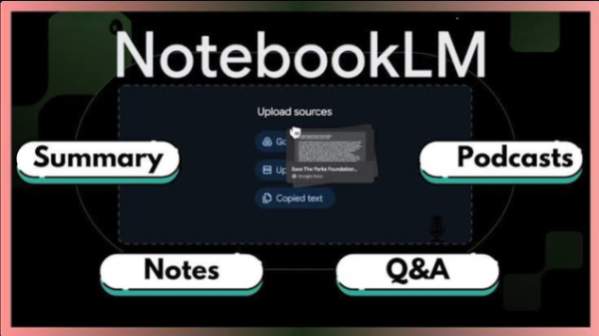
NotebookLM is an AI tool that is powered by Google. You just need to upload your notes, lecture slides, PDFs, and study material into it.
After uploading your data, you can ask your question like this:
- Explain this topic in simple words
- Give me the summary of this or that topic.
- Give the most important topic according to my exam.
NotebookLM reads your document and gives you the best answer based on your own study material.
You will love it because:
- Easy to use
- work with notes and PDFs
- It will give you quick summaries
Some things I don’t like about it.
- The notes that you write with your hand may not be accepted.
- Some features require a Google account to activate.
2. Google Gemini – Best for Research and Writing
Google Gemini is an AI assistant which is also created by Google. This is a powerful AI tool that helps students with presentations, assignments, research, and writing tasks.
For example, if your teacher asks you to make a presentation about black hole theory, Geminie will help you to find the information about the black hole and create a slide for you quickly.
Why I love Gemini as a student
- It gives a lot of ideas for my assignment
- It helps with research
- Generates ideas for assignments
- It is very simple to use
- Saves a lot of time
Adventages
- It can understand images very easily
- It is very helpful for a presentation
- Easy integration with Google tools
Disadventages
- Some features are paid
- Results should always be fact-checked
3. Grammarly – Best for Better Writing
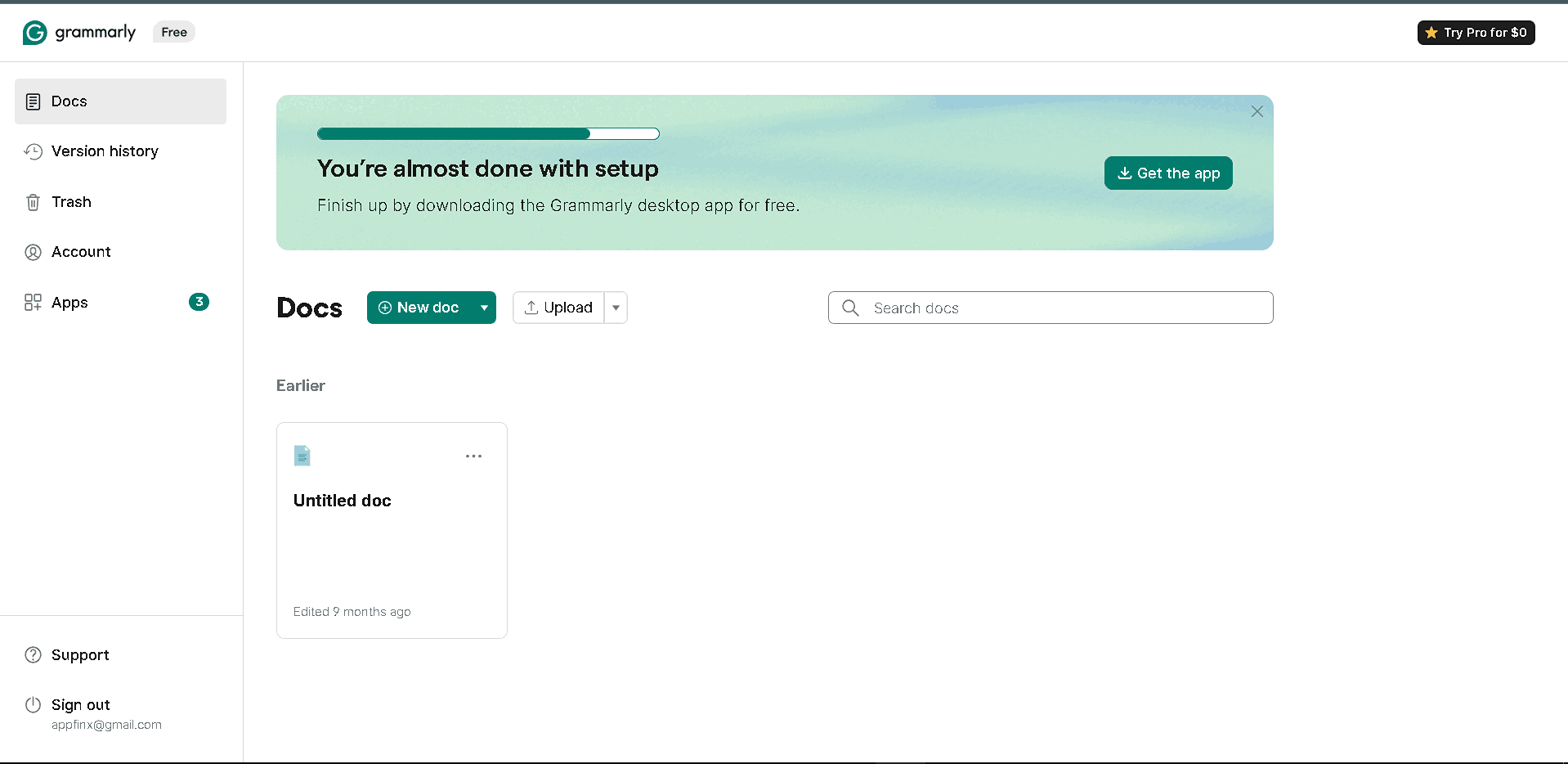
I am personally using this tool for my content writing journey, and it is also very helpful if you are writing your assignment.
What are the benefits of this tool?
- Improve essays
- It will fix your grammar mistakes
- Makes writing more professional
Adventages
- It will correct your real-time mistakes
- Also, have a browser extension
- It improves your readability
Disdventage:
- Some features are paid.
- Some suggestions are not perfect
4. QuillBot – Best for Paraphrasing
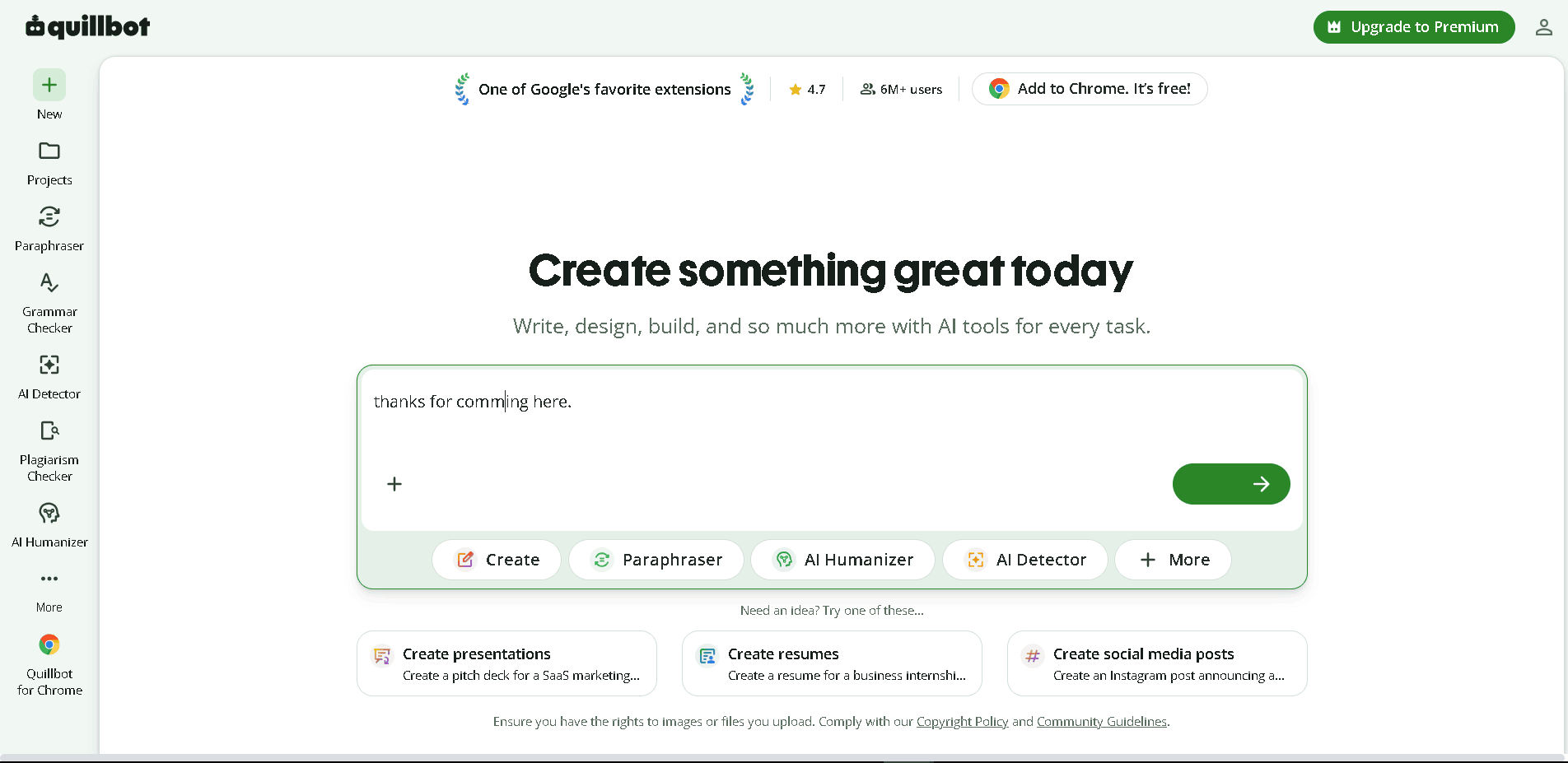
Quillbot helps students rewrite sentences in a better way. It will help you to rewrite your content or the information you write in your slide.
If you are writing a slide and are confused by repetitive words, the Quillbot will change your words with the same meaning.
Advantages:
- It will write your content in multiple styles
- It is very simple to use
Disadvantages:
- There is a limit to the free version
- Always review your text before finalizing
5. Chat PDF
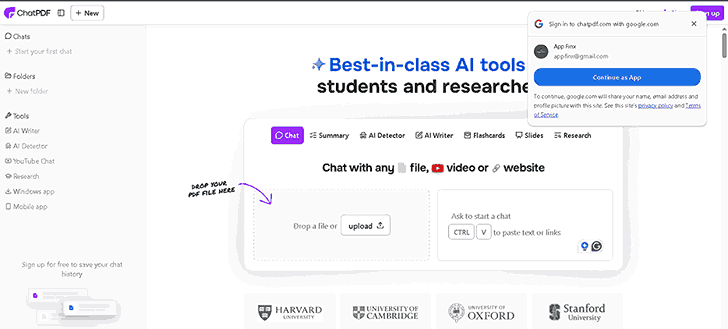
Chat PDF is a powerful tool that takes your data as a PDF. If you have your data in a textbook, you can just upload your information to the Chat PD F, and it will give you a full analysis of the paper.
Like:
- Command to give thee a summary of chapter 5
- What is the meaning of this or that word
- Explain this specific topic in simple words
The tool answers directly from the PDF you upload.
I love it because:
- Saves a lot of time
- I find the information very quickly
- very efficient for exam preparation
Advantages:
- It summarizes the topic very quickly
- Very easy navigation of long PDFs
- Very helpful for the research papers
Disadvantages:
- Freee version ha som limits
- Scanned PDFs or files may not work properly
6. Chat GPT-Best Overall AI Study Assistant
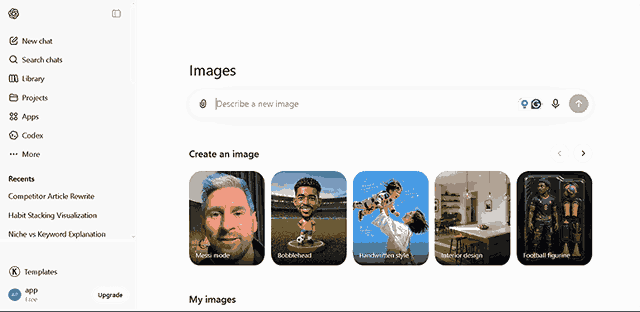
This is the best AI tool I’ve ever used in my life. You can use it free of cost. Its free version is also very effective.
It can do:
- explain difficult topics in easy words
- It can give you a complete study roadmap
- Also, help you with your study plan
Advantages:
- It is very simple to use
- Has an AI assistant
- You can directly talk to the AI assistant and solve your problem
Disadvantages:
- Some features are paid
- It may give you fake information
7. Notion AI – Best for Productivity
Notion Al give you an environment for you to study. It’s the main thing that you an enviornmenty to study. If you have a good environment for study, you can study wel you can.
It gives you:
- Notes
- List of Tasks
- Project planning
- The AL helps
Advantages:
- Very useful for project planning
- Clan and simple interface
Disadvantages:
- Takes a long time to set up
- Som AI fatures are paid
8. AskCodi – Best AI Tool for Coding Students
If you are a student who is studying programming, this tool is for you. Askcodi will be your future partner.
It helps you to write the program and also makes this tool tell you the errors and bugs. You can ask about every problem with it.
Advantages:
- Easy to use ven for beginners
- It supports many languages
- It helps to debug the codes
Disadvantages:
- Som faturs are paid
- Not a tool for profssionals
9. Tutor AI – Best Personal Learning Assistant
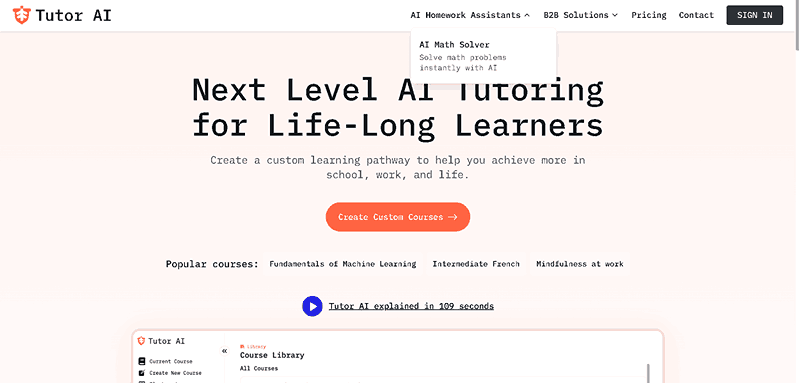
If you are a student which need a helpr all the time, 24 hours a day, and for a full week, Tutor AI will be your next personal tutor.
You can learn everything from it, even without paying a single extra money for coaching.
Advantages:
- very easy learning experience
- Great for self-Study in exams days
- Tracks learning Progress to make you more efficient
Disadvantages:
- Some version has limitation for use
- Some topics have better Support than others
10. Gamma AI – Best for Creating Presentations
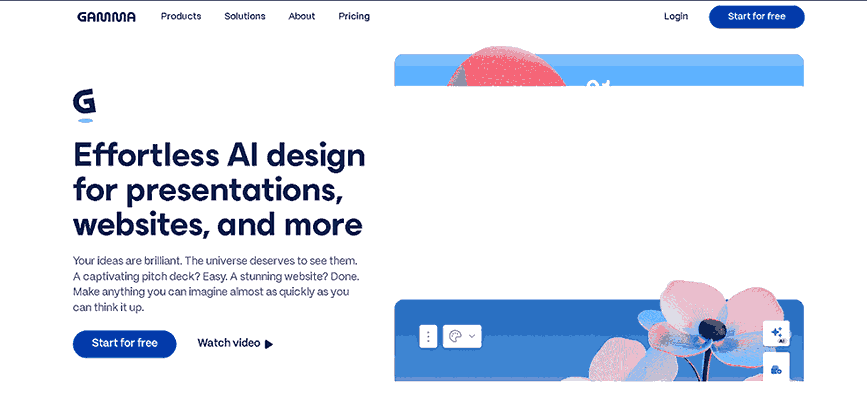
If you have to make an assignment, you can use gammaAI. It will help you make an assignment very easily.
How it works:
Simply enter a topic, and it automatically creates a beautiful presentation for it.
Advantages:
- It create prsentation vry quickly
- It creates very attractive slides
- Very biggerner frenldy
Disadvantages:
- Some features are paid
- Always rview you information before submiting you prsntation
List of all the tools I mentioned in this blog.
| Tool | Best For | Free Version |
|---|---|---|
| NotebookLM | Notes & Revision | ✅ |
| ChatGPT | Homework & Explanations | ✅ |
| Gemini | Research & Writing | ✅ |
| Grammarly | Grammar Checking | ✅ |
| QuillBot | Paraphrasing | ✅ |
| ChatPDF | PDF Summaries | ✅ |
| Notion AI | Productivity | ✅ |
| AskCodi | Coding Help | ✅ |
| Tutor AI | Personalized Learning | ✅ |
| Gamma AI | Presentations | ✅ |
