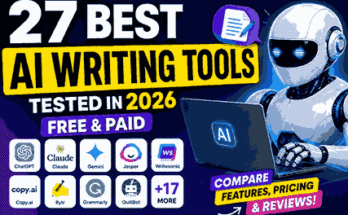
AI for Business: How I Started Using AI to Save Time, Cut Costs, and Get More Done
A few years ago, I thought artificial intelligence was something only big companies could afford. Whenever I heard people talking about AI, I imagined expensive software, complicated setups, and teams of engineers working behind the scenes.
I couldn’t have been more wrong.
The first time I seriously tried AI in my daily work, my goal was simple. I was spending too much time on repetitive tasks. Writing emails, organizing notes, answering common questions, creating social media captions, and researching ideas were taking hours every week.
One day, I decided to test an AI tool instead of doing everything manually.
I expected average results.
Instead, I finished nearly three hours of work in less than one hour.
That experience completely changed how I looked at AI for business.
The biggest surprise wasn’t that AI replaced my work. It didn’t. Instead, it removed the boring parts so I could spend more time making decisions, improving ideas, and focusing on work that actually mattered.
If you’re running a small business, working as a freelancer, or planning to start an online business, AI can become one of the most useful tools in your daily routine.
The key is knowing where it actually helps.
What Does AI for Business Really Mean?
Many people think AI is a robot doing everyone’s job.
That’s not how most businesses use it.
In reality, AI is simply software that helps you complete tasks faster and more accurately.
Instead of spending hours writing content, analyzing data, organizing files, or replying to customers, AI can handle the first draft or repetitive work. You stay in control while AI saves you time.
Think of it as a smart assistant that never gets tired.
It doesn’t replace experience or creativity.
It helps you use both more efficiently.
Why More Businesses Are Using AI
After using AI for several months, I noticed one thing.
The businesses growing the fastest weren’t necessarily working harder.
They were automating small tasks that consumed valuable time.
Imagine spending just 20 minutes every day writing customer replies.
That doesn’t sound like much.
But over one year, those 20 minutes become more than 120 hours.
Now imagine reducing that work to just five minutes with AI.
That’s a huge amount of time you can use for marketing, product development, or talking to customers.
This is why businesses of every size are starting to adopt AI.
Tasks I Personally Started Using AI For
When I first began experimenting with AI, I didn’t automate everything.
I started with simple tasks.
Here are the areas where AI made the biggest difference.
Writing Emails
Writing professional emails used to take longer than necessary.
Sometimes I knew exactly what I wanted to say but couldn’t find the right words.
Using AI helped me create clear drafts in seconds.
Instead of staring at a blank screen, I could edit an existing draft and send it quickly.
Brainstorming Ideas
Coming up with fresh content ideas every week isn’t always easy.
Whenever I got stuck, AI helped me generate different angles, titles, and content ideas.
Not every suggestion was perfect.
But even average ideas often sparked better ones.
Research
Research used to involve opening dozens of browser tabs.
Now AI helps summarize information much faster.
I still verify important facts, but it dramatically reduces the time needed to understand a topic.
Customer Support
Many businesses receive the same questions repeatedly.
Questions like:
- What are your prices?
- When will my order arrive?
- How can I reset my password?
AI can draft replies for these common questions while you review them before sending.
Customers get faster responses, and your workload becomes much lighter.
Social Media
Creating captions every day can become exhausting.
AI doesn’t magically create viral content, but it gives you a strong starting point.
Instead of spending 30 minutes writing one caption, I often spend five minutes editing an AI-generated draft.
The AI Tools That Actually Helped Me
There are hundreds of AI tools available today.
You don’t need all of them.
In fact, using too many tools often creates confusion.
These are some of the ones I found genuinely useful.
ChatGPT
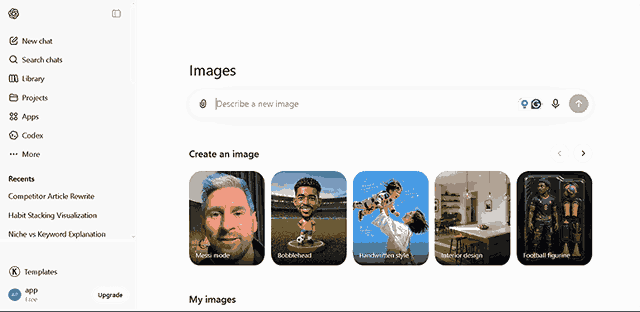
This became my everyday assistant.
I use it for brainstorming, outlining articles, improving writing, summarizing information, and solving small business problems.
The better your prompts, the better the results.
Canva AI
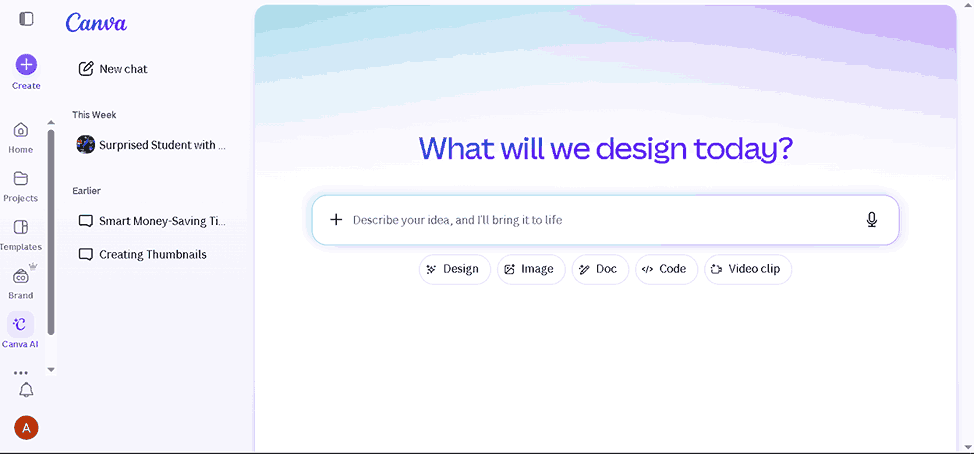
Creating social media graphics used to take much longer.
Canva’s AI features helped speed up design work without needing advanced graphic design skills.
Grammarly
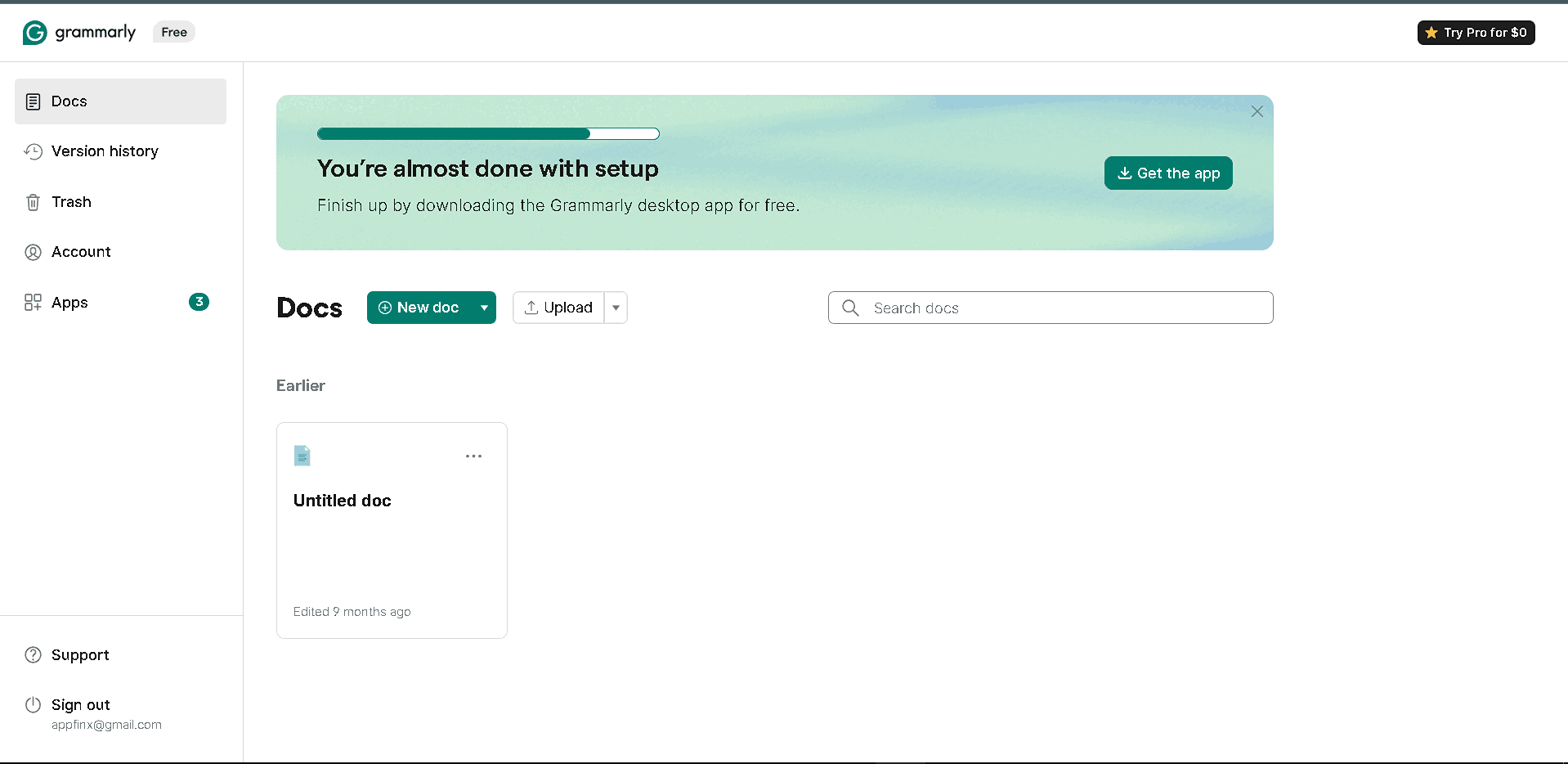
Even experienced writers make mistakes.
Grammarly catches grammar, spelling, and clarity issues before publishing content.
It has saved me from countless embarrassing typos.
Notion AI
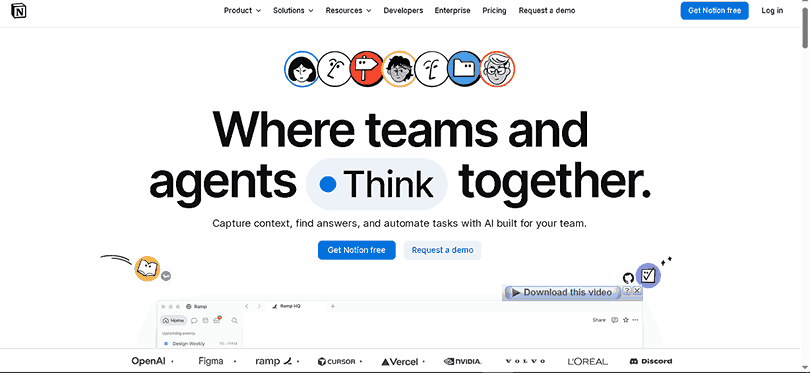
Keeping notes organized becomes difficult as projects grow.
Notion AI helps summarize meetings, organize documents, and generate quick outlines.
Microsoft Copilot

If your business already uses Microsoft Office, Copilot can speed up tasks inside Word, Excel, and PowerPoint.
It works especially well for reports and document editing.
My Biggest Mistake When Starting With AI
At first, I trusted every answer AI gave me.
That was a mistake.
Sometimes, AI provided outdated information.
Other times, it misunderstood my request.
I quickly learned that AI should assist your thinking—not replace it.
Now my workflow looks like this:
- Ask AI for a first draft.
- Verify important facts.
- Add my own experience.
- Rewrite sections to match my style.
- Publish only after reviewing everything.
This approach produces much better results than copying AI responses without checking them.
Can Small Businesses Really Benefit?
Absolutely.
You don’t need a large company or a huge budget.
Even a local shop can use AI to:
- Write product descriptions
- Create Facebook posts
- Answer customer questions
- Generate marketing ideas
- Translate content
- Plan promotions
- Organize business notes
- Create invoices faster
Small improvements across multiple tasks add up surprisingly quickly.
AI for Business: How I Started Using AI to Save Time, Cut Costs, and Get More Done
A Simple Way to Start Using AI in Your Business
One mistake I see people make is trying to automate everything on day one.
That usually creates more confusion than results.
A better approach is to start with one repetitive task. Once you’re comfortable, move on to the next.
Here’s the process that worked well for me.
Step 1: List Your Repetitive Tasks
Spend a day paying attention to the work you repeat over and over.
You might notice tasks like:
- Replying to customer emails
- Writing product descriptions
- Creating social media captions
- Organizing notes
- Summarizing meetings
- Researching competitors
- Planning weekly content
These are often the easiest jobs for AI to assist with.
Step 2: Choose One AI Tool
It’s tempting to sign up for every new AI platform you see online.
I did that at first, and it quickly became overwhelming.
Instead, pick one tool and learn it well.
For many people, a general-purpose AI assistant is enough to get started. Once you understand what it can and can’t do, adding other tools becomes much easier.
Step 3: Give Clear Instructions
The quality of AI’s output depends on the quality of your instructions.
For example, instead of asking:
“Write a post.”
Try something like:
“Write a friendly Facebook post for a small bakery announcing a weekend discount. Keep it under 120 words and end with a call to visit the store.”
The second prompt gives AI enough context to produce something much closer to what you need.
Step 4: Edit Before You Publish
This is probably the most important step.
AI should create your first draft, not your final version.
Add your own voice, experiences, and business details. Fix anything that sounds too generic. Make sure facts, prices, names, and dates are correct.
That extra five minutes of editing can make the difference between content that feels robotic and content that feels genuinely helpful.
A Real Example of AI Saving Time
Let’s say you run a small clothing store.
Every time a new product arrives, you need to:
- Write a product description
- Create an Instagram caption
- Write a Facebook post
- Prepare an email for customers
- Add keywords for your website
Doing all of this manually might take an hour or more.
With AI, you can create first drafts for every piece of content in just a few minutes. You still review and improve them, but you’ve already skipped the hardest part: starting from a blank page.
The same idea works for restaurants, gyms, repair shops, online stores, agencies, and even local service businesses.
Unexpected Benefits I Didn’t Expect
When I first started using AI, I thought it would simply help me write faster.
It did much more than that.
One unexpected benefit was better organization.
Instead of keeping random ideas in different notebooks or apps, I could ask AI to group similar ideas, create outlines, and even suggest priorities.
Another benefit was consistency.
Whether I was writing blog posts, emails, or social media updates, AI helped me maintain a similar tone across different platforms.
I also became more confident when trying something new.
If I wanted to learn about a marketing strategy or understand a technical topic, I could ask AI to explain it in simple language before diving deeper.
That made learning much less intimidating.
Where AI Still Falls Short
AI is impressive, but it’s far from perfect.
There are areas where human judgment is still essential.
For example, AI doesn’t truly understand your customers the way you do.
It hasn’t had real conversations with them. It doesn’t know your company’s values or the unique experiences you’ve had running your business.
I’ve also seen AI generate information that sounded convincing but wasn’t completely accurate.
That’s why I always double-check facts, especially when writing articles, creating business documents, or sharing important information with customers.
Think of AI as an assistant, not an expert who is always right.
Common Mistakes to Avoid
After experimenting with different AI tools, I noticed several mistakes that beginners often make.
Depending on AI for Everything
AI is a helper, not a replacement for critical thinking.
Use it to speed up your work, but make the final decisions yourself.
Publishing Without Editing
Many AI-generated drafts sound fine at first glance.
But if you read them carefully, you’ll often notice repeated phrases, awkward wording, or missing details.
Always review your content before publishing it.
Ignoring Customer Feedback
If customers keep asking the same questions, use that information to improve your AI prompts and create better content.
Real customer feedback is more valuable than any AI suggestion.
Choosing Too Many Tools
More tools don’t automatically mean better results.
Master one or two useful platforms before adding more to your workflow.
Forgetting About Privacy
Avoid sharing confidential business information, customer data, passwords, or financial records with AI tools unless you’re certain it’s appropriate under the tool’s privacy policies.
Protecting your business information should always come first.
Tips That Made the Biggest Difference for Me
These habits helped me get much better results over time:
- Keep a document of your best AI prompts.
- Give AI as much context as possible.
- Treat the first answer as a draft.
- Test different prompts instead of accepting the first result.
- Combine AI with your own experience.
- Continue learning as AI tools improve.
The more you practice, the more useful AI becomes.
Is AI Worth It for Every Business?
In my experience, almost every business can benefit from AI in some way.
The exact use case will depend on your industry.
A freelancer might use AI to write proposals.
A restaurant owner might create weekly social media posts.
An online store could generate product descriptions.
A teacher could prepare lesson plans more quickly.
A marketing agency might brainstorm campaign ideas.
The goal isn’t to let AI run your business.
The goal is to spend less time on repetitive work and more time serving customers, improving your products, and growing your business.
Final Thoughts
When I first tried AI, I expected a shortcut.
What I found instead was a productivity partner.
It didn’t magically solve every problem, and it certainly didn’t replace human creativity. But it gave me a faster way to handle routine tasks, organize ideas, and start projects with more confidence.
If you’re curious about AI for business, don’t wait until you think you know everything. Pick one task that slows you down, try an AI tool, and see how it fits into your workflow.
Start small, learn as you go, and keep your own knowledge and experience at the center of every decision.
That’s where AI delivers the most value.
Related post
top 10 ai tools for students free
Frequently Asked Questions
Can small businesses use AI?
Yes. Many AI tools are affordable or even free, making them accessible for startups, freelancers, and local businesses.
Will AI replace employees?
In most cases, AI works best as an assistant. It handles repetitive tasks while people focus on creativity, strategy, and customer relationships.
What’s the best AI tool for beginners?
A general AI assistant is a great starting point because it can help with writing, brainstorming, research, and planning in one place.
Is AI difficult to learn?
Not really. Most modern AI tools have simple interfaces. With a little practice and clear prompts, beginners can start seeing useful results within a few days.
Can AI help increase business productivity?
Yes. By reducing the time spent on repetitive work, AI allows business owners and teams to focus on higher-value tasks, which often leads to better productivity and efficiency.